Drop. Forge. Done.
The whole app is one gesture. Underneath, a local engine does the careful work — choosing the right tool for every image and never touching quality unless you ask.
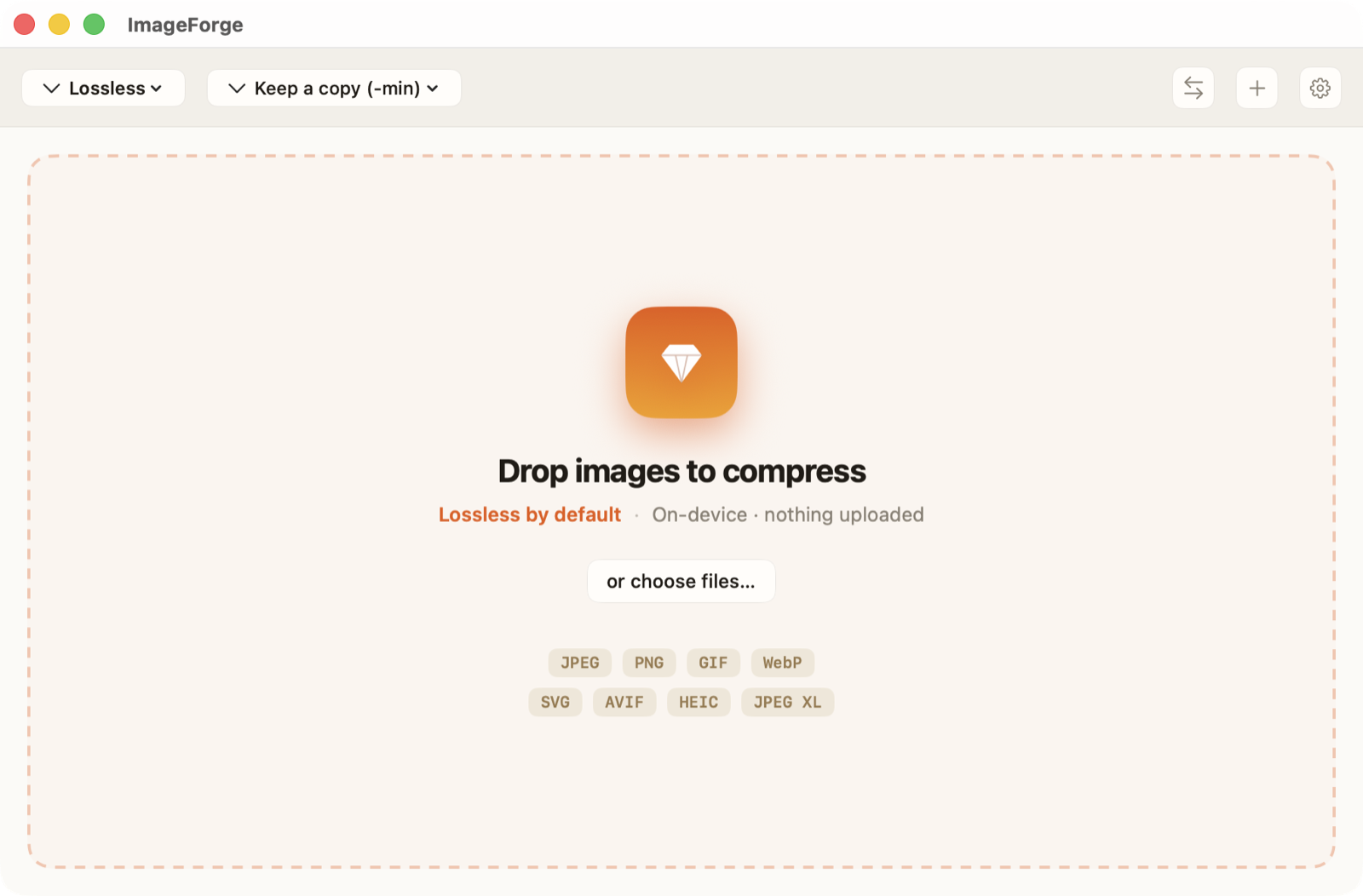
Drag files or folders in, press ⌘O, use the Dock icon, or the Finder Services menu. Mixed formats are fine.
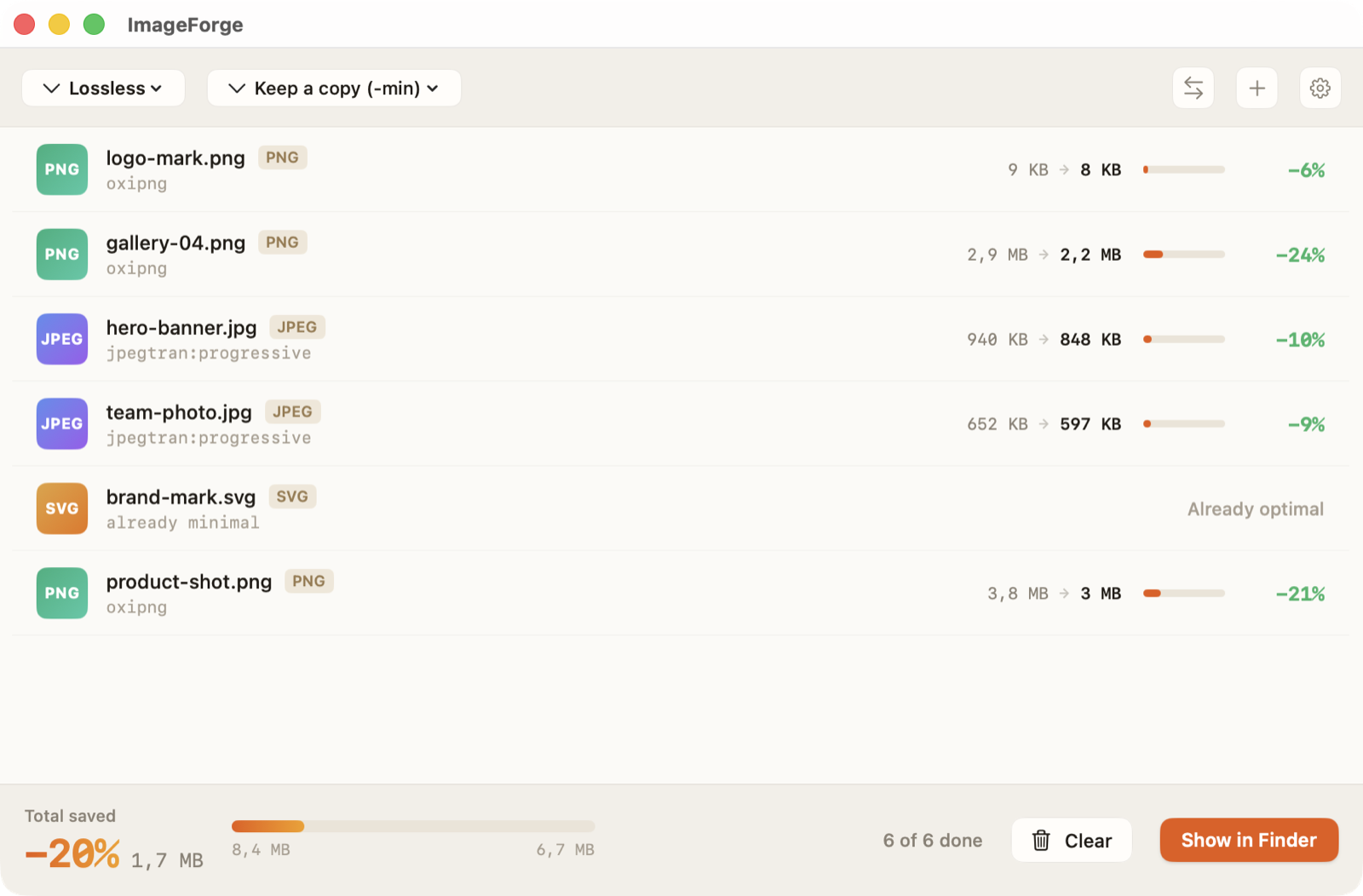
Every file is analyzed and compressed in parallel. The engine tries the best tools and keeps the smallest valid result — lossless first.
A live summary shows total saved and per-file results. Originals are handled exactly as you chose. Reveal in Finder when ready.
One engine, the right tool every time.
Each file is identified by its real content, not its extension, so a mislabeled image is still handled correctly.
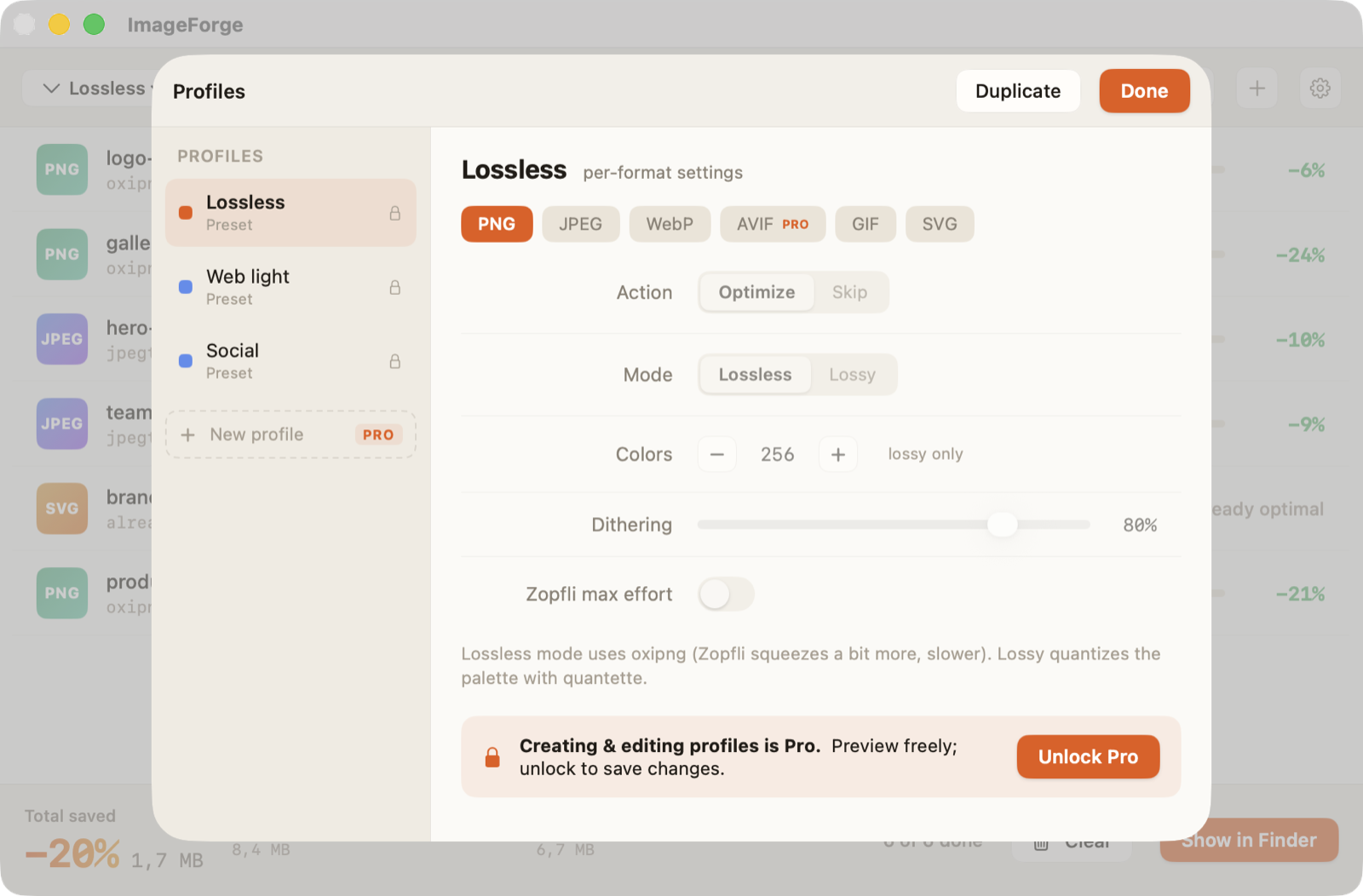
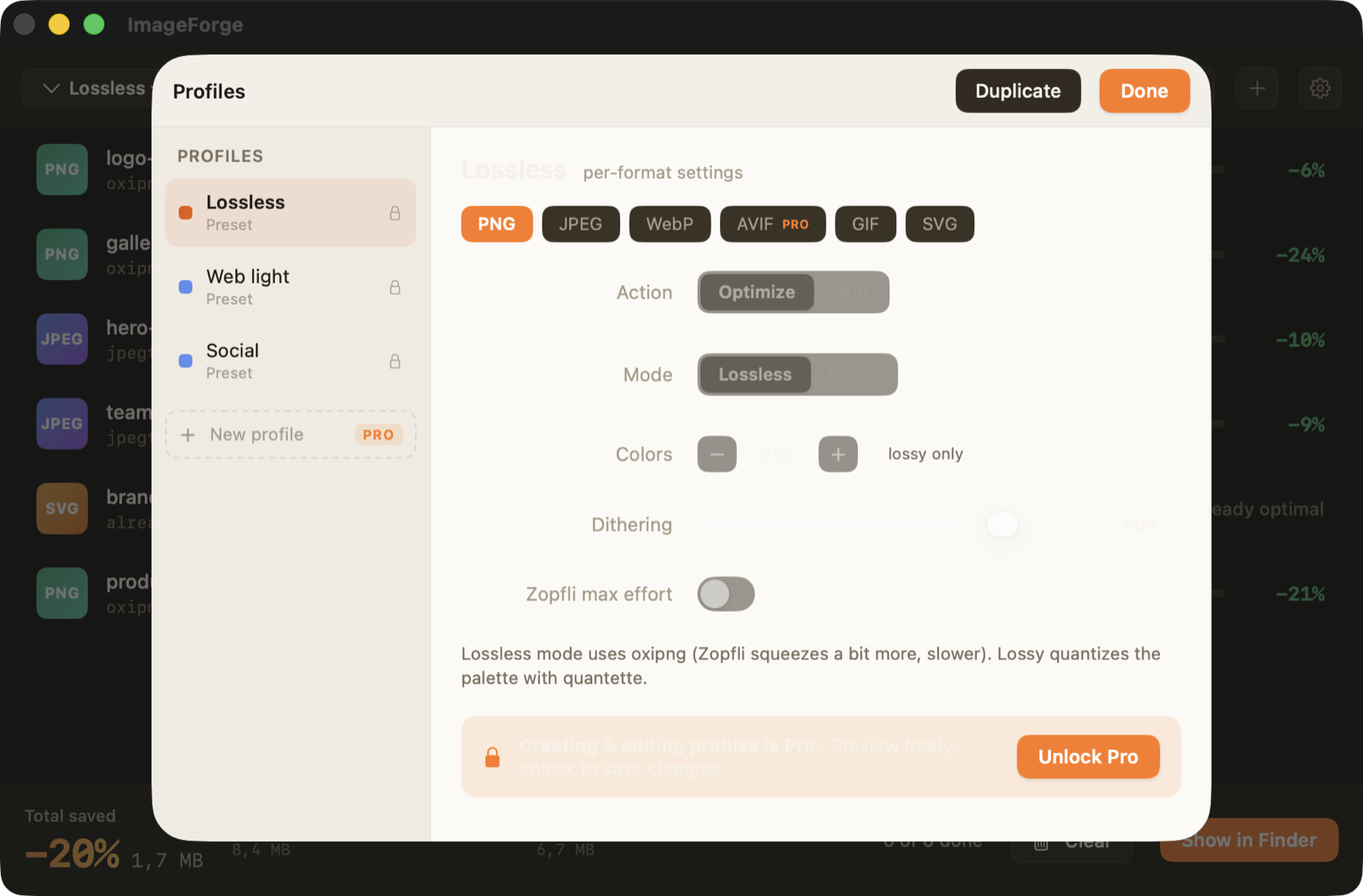
For every format the engine runs the strongest options — oxipng + zopfli for PNG, jpegtran for JPEG, libwebp for WebP — and compares results.
The winning tool writes a smaller file. Lossless by default; lossy only when your profile says so, with a quality preview.
You get bytes before and after, percent saved, the winning tool, and clear per-file errors — nothing hidden.
You're always in control of originals.
Pick once in Preferences, or change it from the toolbar before any batch.
Replace originals directly. Fast and tidy, with an optional confirm before overwriting.
Write a compressed sibling with a -min suffix, leaving originals untouched.
Send all results to a folder you choose, preserving names and structure.
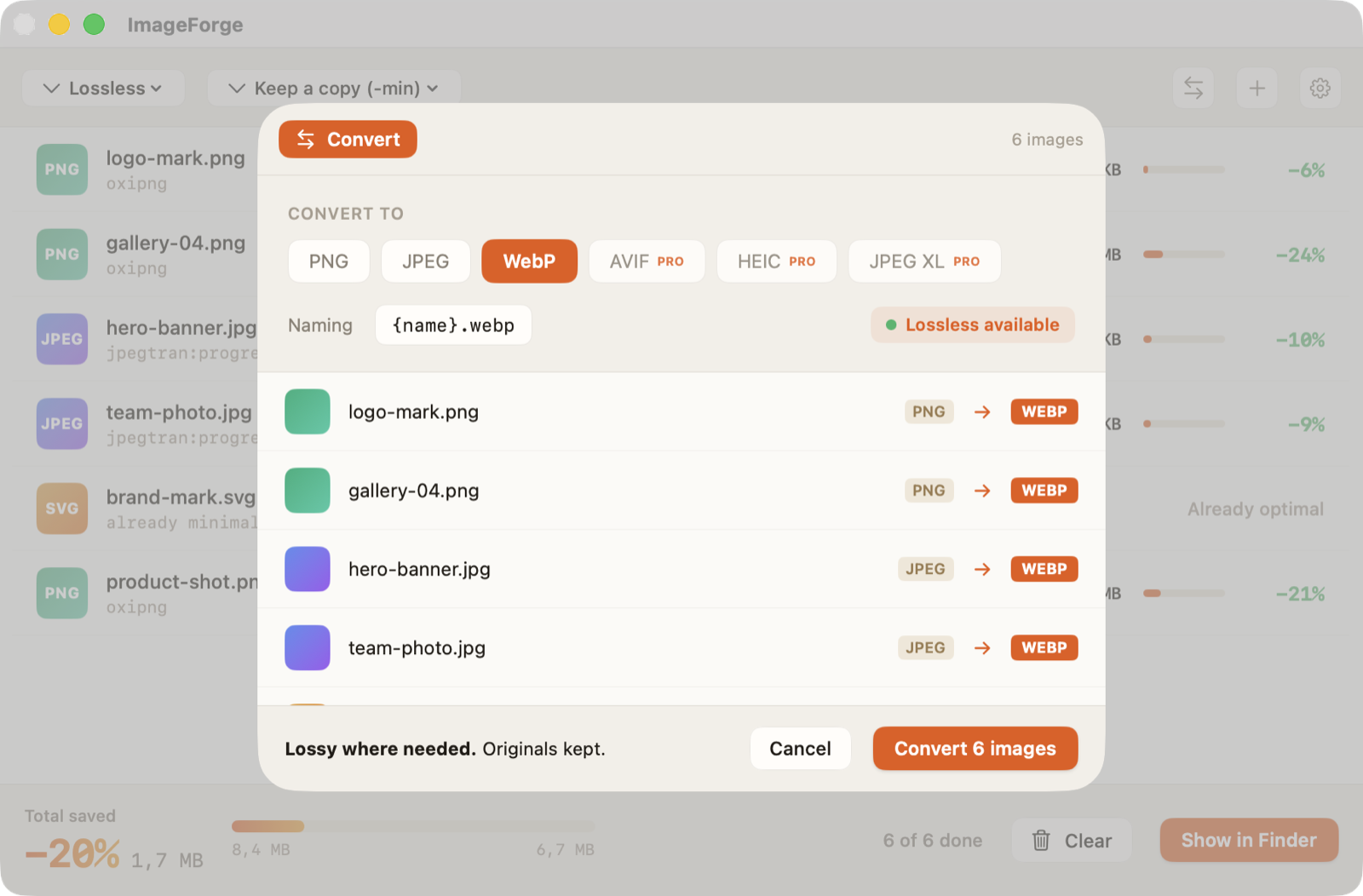
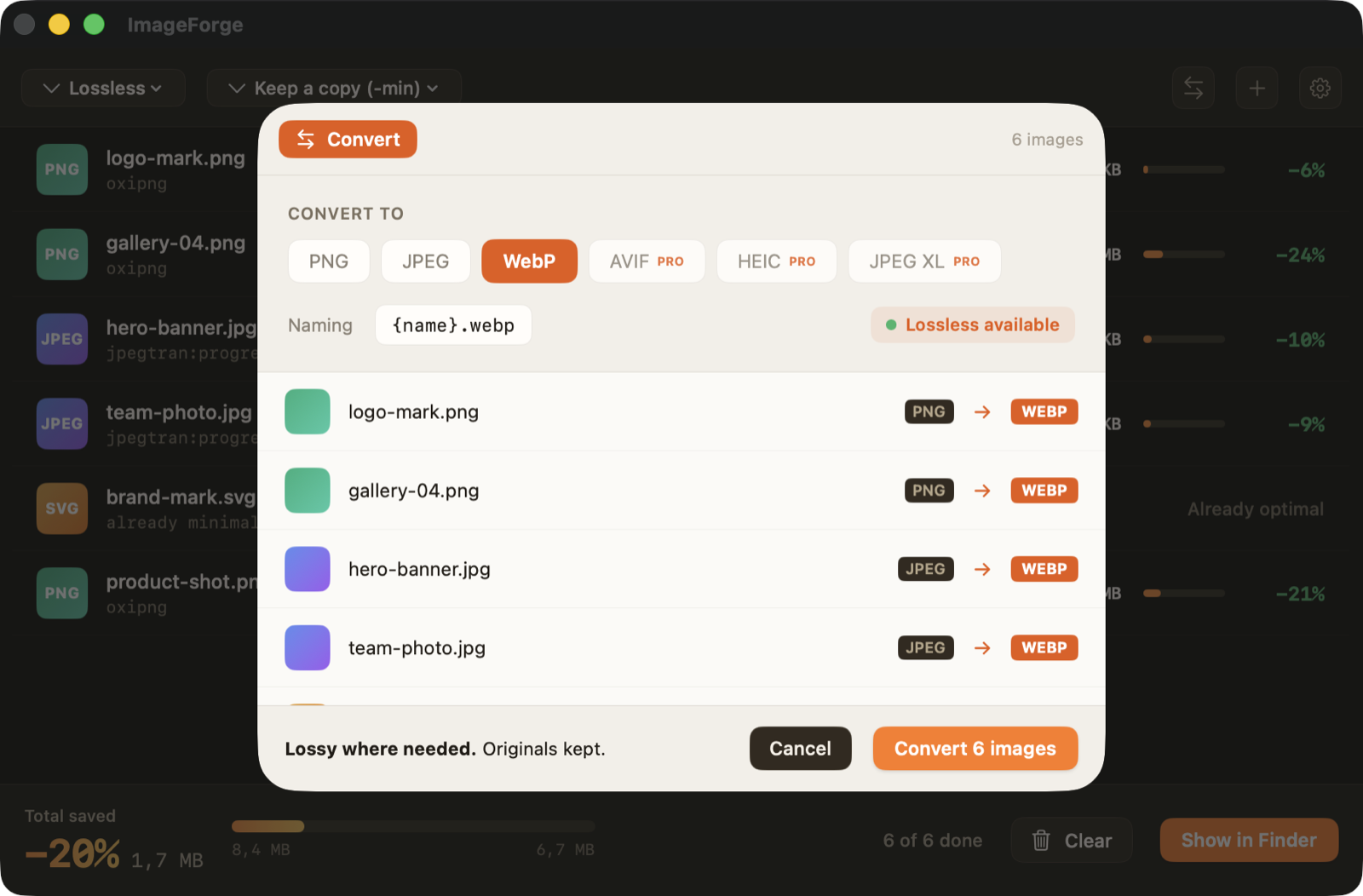
Re-encode to a target format with clear naming and a lossy/lossless signal.
Four ways to start a compression.
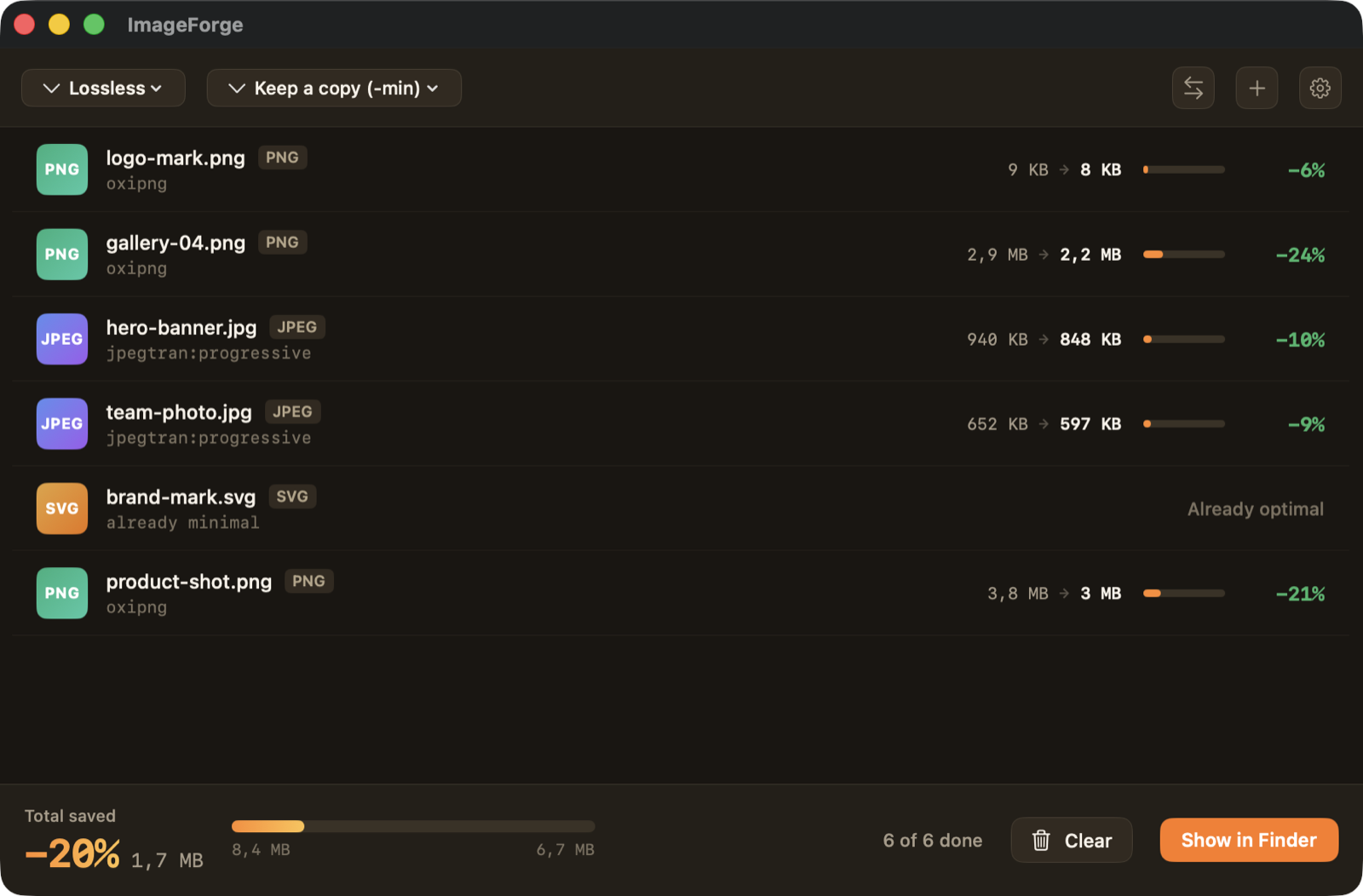
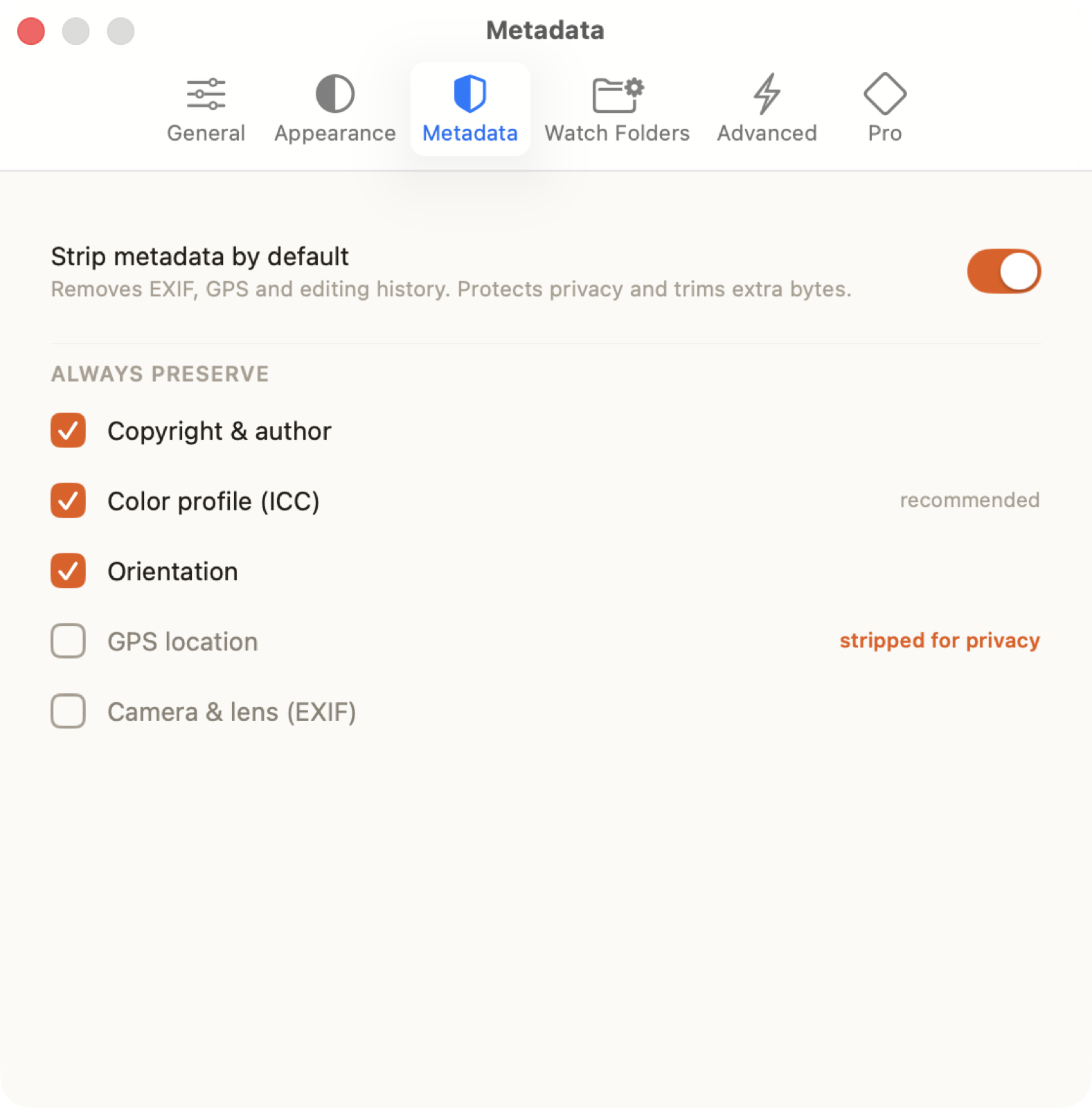
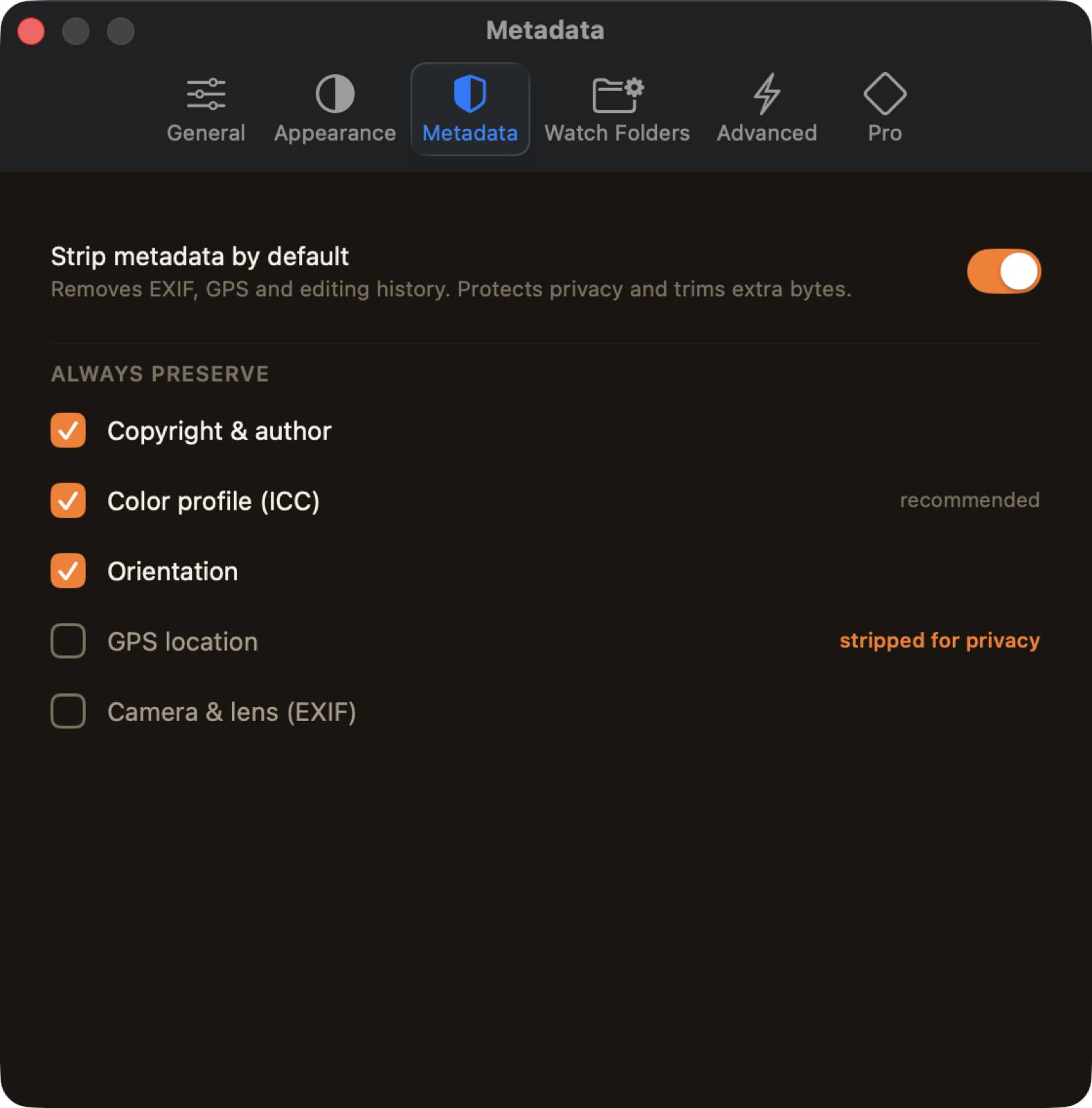
Real screens, not mockups.
Actual captures of the macOS app. This is exactly what you get.
See it on your own images.
Free to use. Pro unlock $24.99 once. No subscription, no cloud.